SyncRescue documentation
SyncRescue user guide
A complete guide to installing, licensing, scheduling, and restoring backups with SyncRescue on macOS.
Before you begin
Get to the useful part quickly
This guide follows the way the app works. Set up one source folder, add the destinations you trust, choose a mode for each one, then let the schedule do the routine work. Restore instructions are included so you can test a backup before you need it.
- Compatibility
- macOS 14 or later, Apple Silicon
- Licence
- US$29 one-time, 2 devices
- Guide topics
- 12 topics
Step 1
Install and activate
Install the DMG, open the menu bar item, and enter your licence key.
Step 2
Add one source
Pick the folder to protect, then add one or more destinations and a mode.
Step 3
Test a restore
Run the first backup, then restore a test file before relying on it.
Topic 1 of 12
How SyncRescue works
Understand the one-source, many-destination backup model.
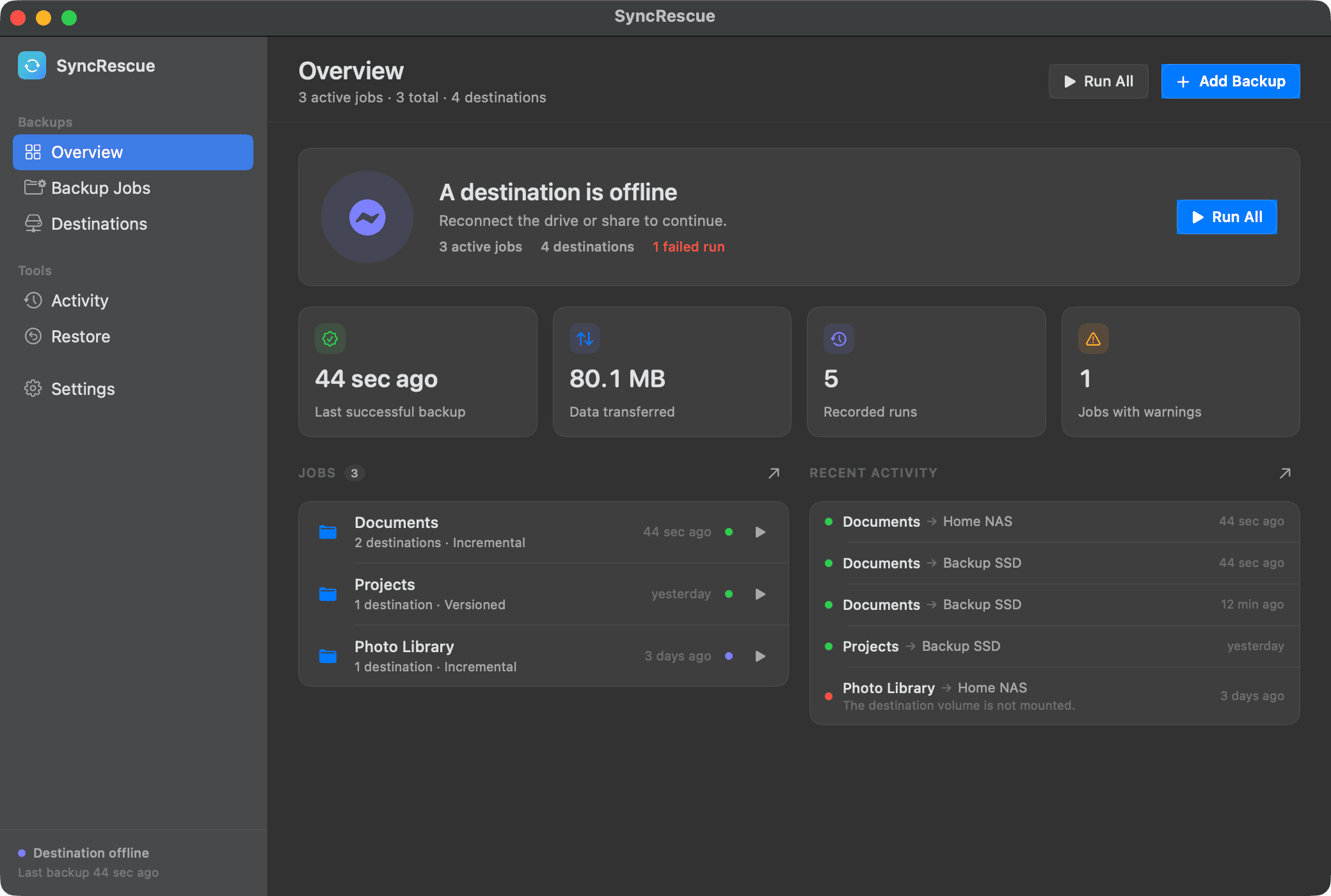
SyncRescue is a menu bar backup utility for macOS. You choose one source folder, then one or more destinations. Each run copies the source to those destinations, so a problem on one copy does not affect the others.
The app is designed for folders you can name. Common examples are a project folder, a photo library export, a documents folder, or a set of working files. A job has this shape:
- One source folder. Every job protects a single folder and its contents. Use separate jobs for unrelated folders.
- One or more destinations. Each destination can use its own mode, so you can keep a fast local copy and a slower off-site copy.
- A schedule and a history. Runs can be started by hand, by an interval, or when a destination mounts. Every run is recorded.
SyncRescue does not replace a bootable system clone, and it does not back up the whole Mac through Time Machine. It protects the folders you add. Keep at least one copy on a different device or location, and test a restore before you depend on the job.
The current build is 1.0.1 for macOS 14 or later on Apple Silicon. The licence is a one-time purchase of US$29 and covers two devices.